 Mac app
About it.
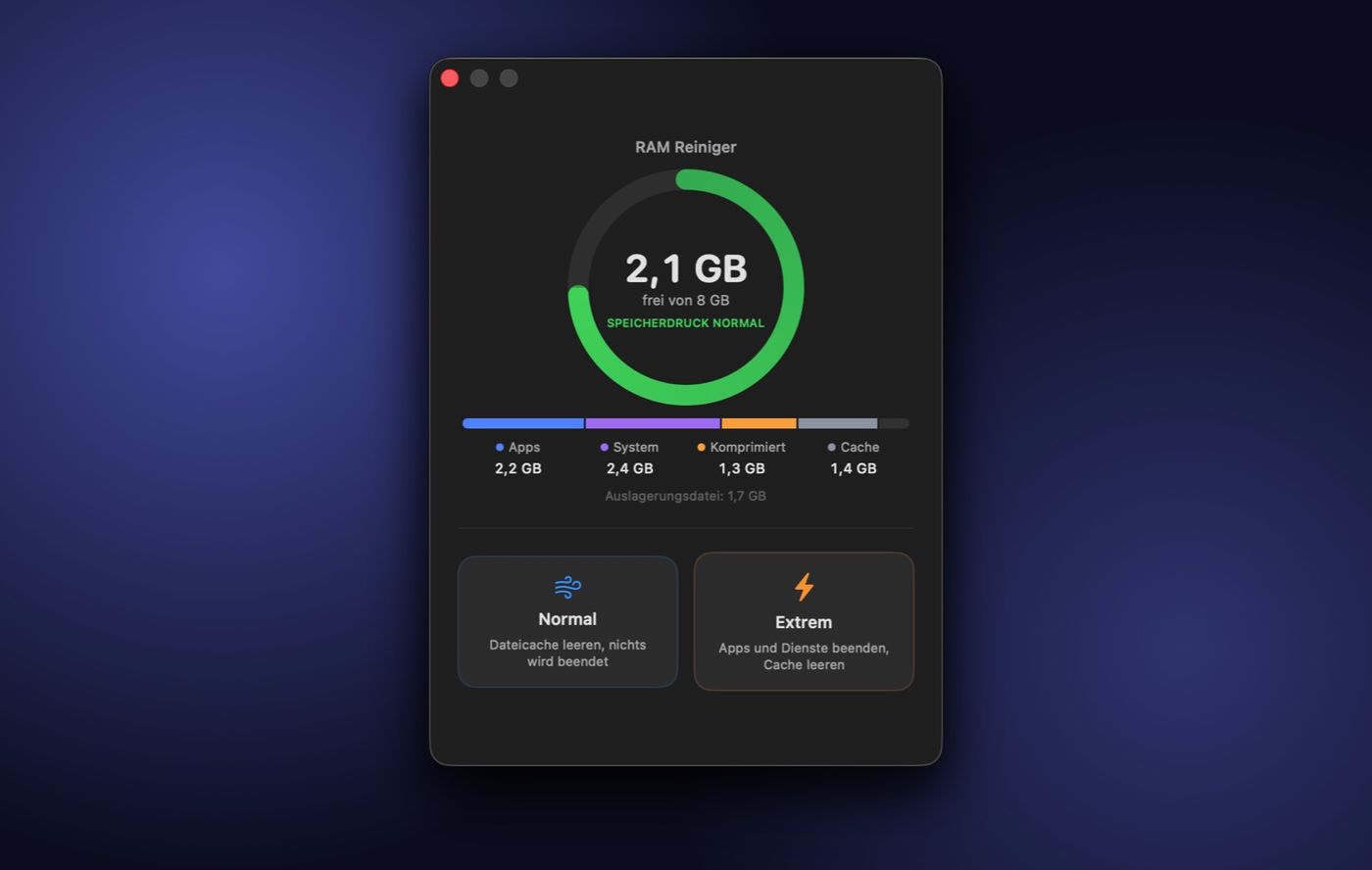
Mac getting sluggish, fans spinning up? RAM Reiniger shows in the menu bar how much memory is free, and in its window what the rest is used for. One click on Normal clears the file cache without closing anything. Extreme also quits the apps and background services you pick.
- PlatformmacOS 13+, Intel and Apple Silicon
What RAM Reiniger can do.
- Free memory always visible in the menu bar
- Breakdown into apps, system, compressed and cache, plus memory pressure and swap
- Normal: clears the file cache, nothing gets closed
- Extreme: quits the third-party apps and background services you select; macOS itself is never touched
- Shows how much was freed at the end; can start at login if you like
Answered straight.
My Mac says it can't verify the app. What now?
RAM Reiniger isn't notarised by Apple yet. Open System Settings, Privacy & Security, once and click Open Anyway at the bottom. After that, RAM Reiniger starts normally.
Why does RAM Reiniger ask for my password?
On macOS, only an administrator may clear the file cache. You type your password into macOS's own dialog; RAM Reiniger never sees or stores it.
Can I lose work?
Not in Normal mode: nothing is closed. In Extreme mode, apps are asked to quit politely first so they can prompt about unsaved changes; still, save your work beforehand. RAM Reiniger needs no account and sends nothing.