Apps, files, maths and commands – one keystroke away.
Press ⌥ Space and start typing. Funke finds apps, files and System Settings pages, does maths, converts units and runs commands – faster than Spotlight, with no account and no cloud.
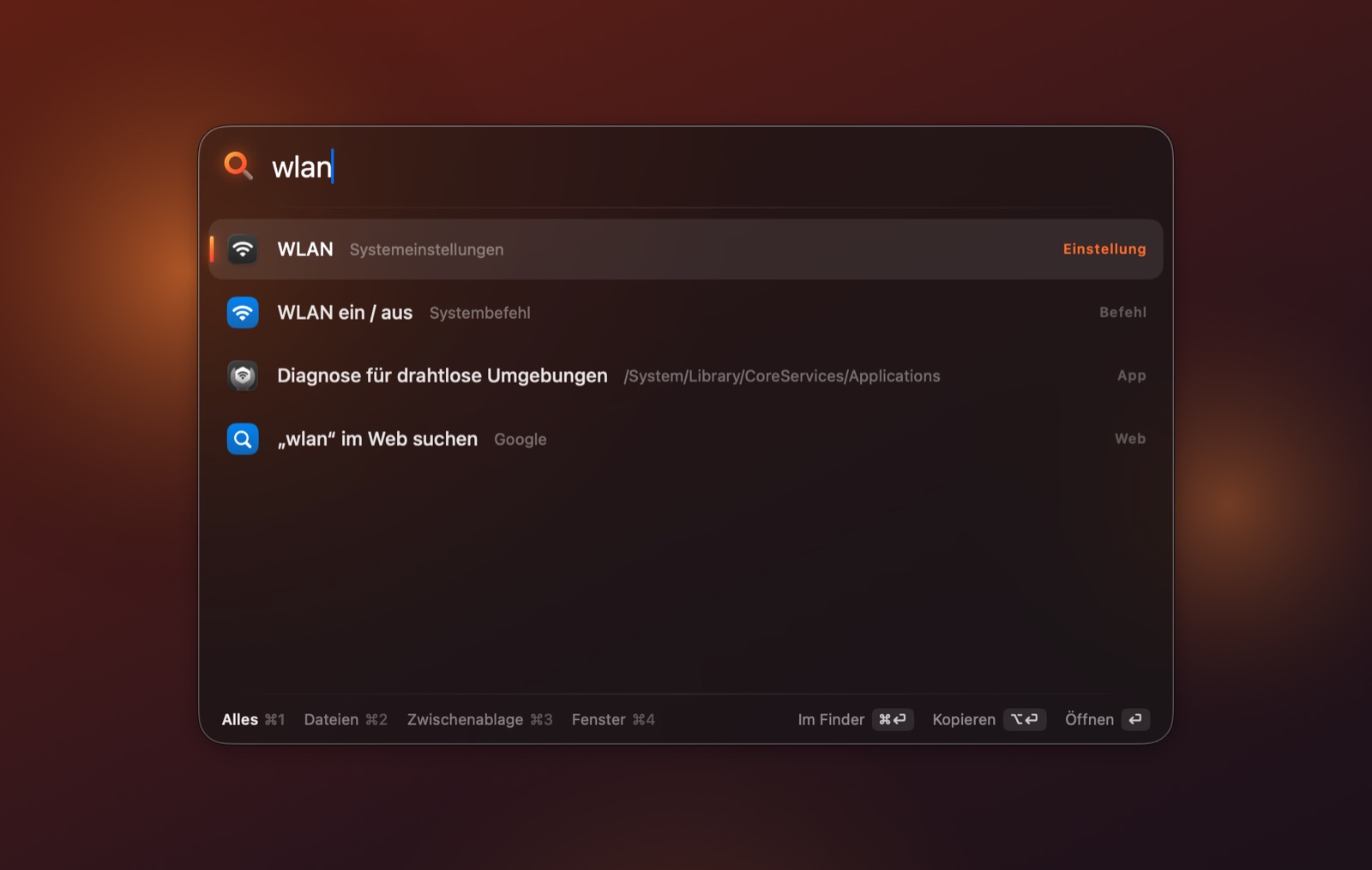
What Funke can do.
- Fuzzy app search – “vsc” for Visual Studio Code – and Funke learns what you pick
- Calculator and units right in the search field: 200*15%, 5 km in mi, 100 f in c – ⏎ copies the result
- Web searches with prefixes (g, yt, w, gh, map …), dictionary, terminal commands and system commands like lock or dark mode
- Clipboard history and window layouts – left, maximise, thirds – all from the keyboard
Answered straight.
My Mac says it can’t verify the app. What now?
Funke isn’t notarized by Apple yet. Open System Settings → Privacy & Security once and click Open Anyway near the bottom. After that, Funke starts normally.
What does Funke ask for – and why?
Accessibility only if you want to arrange windows, and Automation for system commands like dark mode or emptying the bin. Funke needs no account, sends nothing and runs entirely on your Mac.
More from Stellium
All products → Free
Triton
An AI agent that does the work, not just the talking.
Sim Lab
Structural and thermal analysis on real geometry, checked against textbook answers — design a steel by its composition.
PCB Studio
Design circuit boards and ask Triton about them — 46 parts, KiCad import, 3D preview from Blender.